Skip to product information
1 of 9

TruGolf

TruGolf LaunchBox DIY Golf Simulator Package

TruGolf LaunchBox DIY Golf Simulator Package

Regular price $7,320.00 USD
Regular price $9,200.00 USD Sale price $7,320.00 USD
Sale Sold out
Shipping calculated at checkout.
View full details

Description

The TruGolf LaunchBox DIY Golf Simulator Package delivers a complete and customizable simulator experience for golfers seeking professional performance without breaking the bank. Featuring the TruGolf LaunchBox Launch Monitor, Carl’s Place DIY Golf Simulator Enclosure Kit with Premium Impact Screen, a premium hitting mat, and your choice of BenQ projector, this package provides everything you need to build a high-quality simulator studio at home.

Powered by dual high-speed cameras, the LaunchBox captures precise ball data in real time whether you’re practicing indoors or outdoors. Compact, sleek, and easy to set up, it’s compatible with both PC and iOS for access to full-course play and advanced practice tools through E6 CONNECT software.

What's Included

  • TruGolf LaunchBox Launch Monitor
  • Carl’s Place DIY Golf Simulator Enclosure Kit with Premium Impact Screen
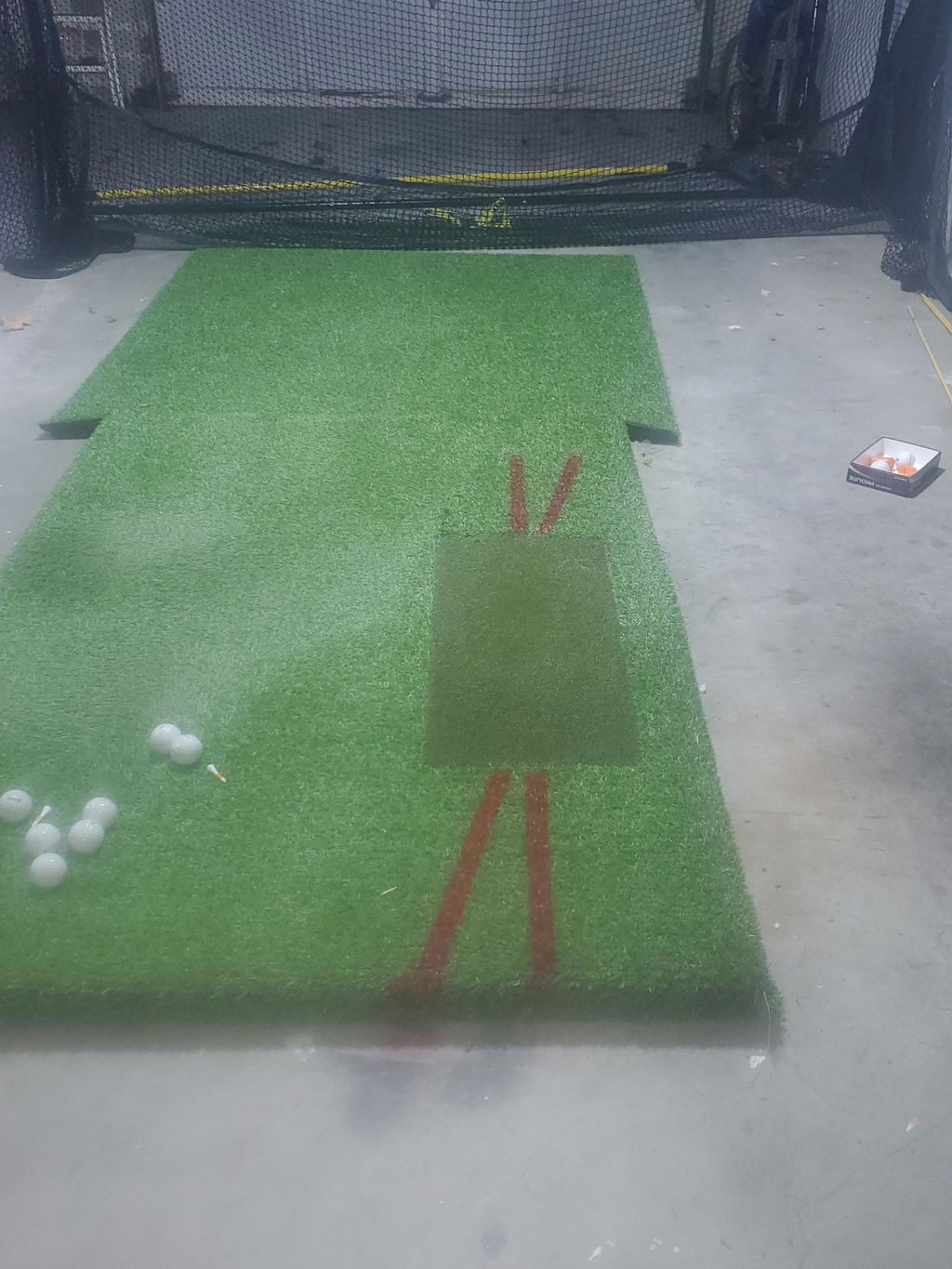
  • Choice of Carl’s Place HotShot Golf Hitting Mat
  • Choice of BenQ Projector (AH700ST or AK700ST)

Optional Accessories (Not Included):

  • Pipe Framing Kit for DIY Enclosure (Recommended)
  • Foam Insert Kit (Recommended)
  • Safety Baffle (Recommended)
  • Back Cover Kit and Pipe Kit
  • Net Wall Extensions
  • Putting Turf
  • Projector Mount
  • Gaming PC or Laptop

Features

  • Dual High-Speed Cameras: Capture accurate ball data and display instant feedback for each shot.
  • Indoor and Outdoor Performance: Optimized for simulator environments yet equally capable on outdoor range mats.
  • Seamless Connectivity: Wi-Fi integration, LED status indicators, and onboard display ensure smooth operation.
  • Realistic Course Play: Includes access to E6 CONNECT Home featuring Stroke, Scramble, Best Ball, and other play modes.

Product Highlights

TruGolf LaunchBox Launch Monitor
Designed for precision and convenience, LaunchBox provides professional-grade accuracy and intuitive usability. Its compact design and dual-camera system make it an ideal choice for golfers of all levels. Compatible with PC and iOS, it connects seamlessly to TruGolf’s E6 CONNECT platform for practice ranges, analytics, and full-course simulation.

TruGolf LaunchBox Launch Monitor front view grey background.

Carl’s Place C-Series DIY Golf Simulator Enclosure Kit
Enjoy a turf-to-screen experience with the borderless bottom design for total immersion. The C-Series DIY Enclosure Kit includes the black nylon enclosure, steel corner fittings, and premium impact screen—available in six sizes for full customization. Add optional accessories like foam inserts, baffles, and framing kits to enhance performance and protection.

Carl's Place DIY Golf Simulator Enclosure front view.

Carl’s Place HotShot Golf Hitting Mat
Available in 4’x5’ or 5’x8’, both mats feature replaceable hitting strips, anti-fatigue construction, and support for real tees. Designed for both right- and left-handed players, the HotShot mat delivers a realistic turf feel for long-lasting comfort.

Carl's Place HotShot Golf Mat System top view.

Choice of BenQ Projector
Choose between the BenQ AH700ST or AK700ST short-throw laser projectors. Both feature 4,000 lumens brightness, automatic image alignment, and a 0.69–0.83 throw ratio for optimal mounting behind the tee area. The AK700ST offers true 4K resolution for enhanced realism.

BenQ AK700ST 4K Short Throw Laser Golf Projector front view.

What's Measured

Onboard Display Data:

  • Carry Distance
  • Ball Speed
  • Back Spin
  • Side Spin
  • Vertical Launch Angle
  • Horizontal Launch Direction

In-Game Data:

  • Total Distance
  • Club Head Speed
  • Smash Factor
  • Deviation
  • Apex
  • Descent Angle
  • Shot Type

Specifications

TruGolf LaunchBox

  • Dimensions: 9.53”H × 7”W × 5”D
  • Weight: 2.7 lbs

Carl’s Place C-Series DIY Enclosure

Carl's Place DIY Simulator Enclosure Specs.

  • Standard Depth: 5’ (frame footprint extends ~1 ft behind screen)
  • Frame: Requires 1” EMT (Electrical Metal Tubing)
  • Optional Pipe Framing Kit available for pre-cut assembly

Carl’s Place HotShot Golf Hitting Mat

  • 4’×5’: 4’D × 5’L × 1.75’H
  • 5’×8’: 5’D × 8’L × 1.75’H
  • Replaceable Hitting Insert: 12”W × 30”L × 1.75”H
  • Real Tee Compatible: Yes
  • Pre-Cut Tee Holes: Yes

Requirements

E6 CONNECT PC Requirements:

  • Intel i5 Processor or higher
  • 8GB RAM
  • NVIDIA GTX 1070 or better (Dedicated GPU with DirectX 11 support)
  • 25GB Free Storage
  • Windows 10 64-bit
  • Internet Connection Required

E6 CONNECT iOS Requirements:

  • iPad Pro 1st Gen or newer
  • iPad 5th Gen or newer
  • iPad Air 3 or later
  • iPad Mini 5 or later
  • iPhone 8 or later

FAQ

Q: What is included with the TruGolf LaunchBox DIY Golf Simulator Package?
A: The package includes the TruGolf LaunchBox Launch Monitor, Carl’s Place DIY Golf Simulator Enclosure with Premium Impact Screen, your choice of Carl’s Place HotShot Mat, and a BenQ projector.

Q: How much space do I need?
A: Allow 2–3 inches of clearance above and around the enclosure. For width, subtract 4–6 inches from your available space. Stand at least 10–12 feet from the screen for safe play.

Q: What pipes do I need for the frame?
A: Use 1-inch EMT conduit available locally, or add the optional Pipe Framing Kit for pre-cut convenience.

Q: Can I upgrade this to a full simulator setup?
A: Yes. This package includes all essentials—add turf flooring, side netting, or other accessories anytime for a complete simulator build.

Resources