Best Home Golf Simulator Accessories 2026
Best Golf Simulator Accessories for Your Home Setup in 2026
Setting up a home golf simulator is one of the best investments a serious golfer can make. But the simulator itself is only part of the equation. The right accessories are what separate a functional practice space from a truly immersive, high-performance golf studio. Whether you're building from scratch or upgrading an existing setup, this guide covers the essential accessories that will elevate your game and your space.
1. The Hitting Mat: Your Foundation
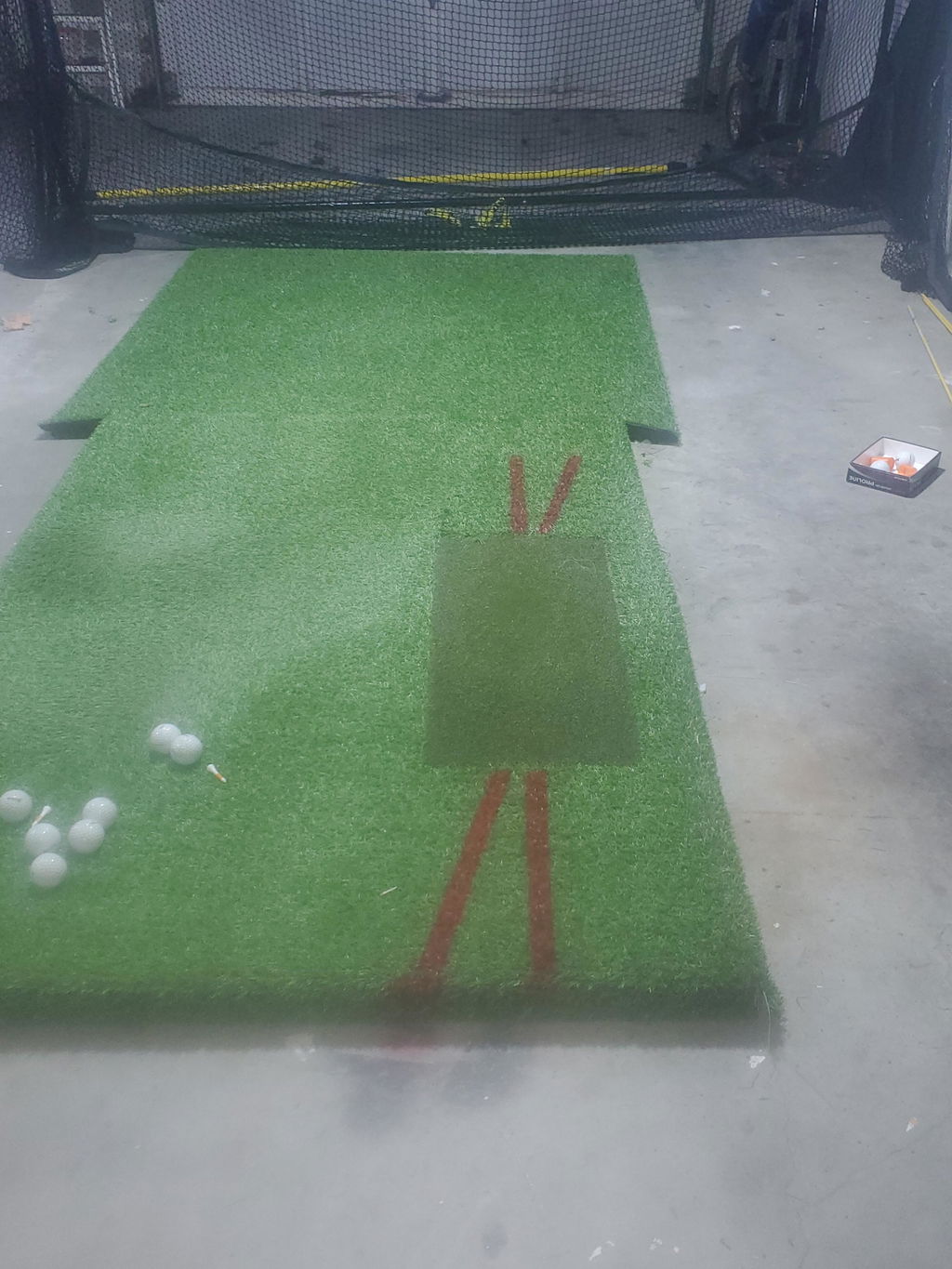
The hitting mat is arguably the most important accessory in any simulator setup. You'll be striking thousands of balls off this surface, so quality matters. A poor-quality mat will give you inaccurate feedback, wear out quickly, and can even cause wrist and elbow strain from the hard "thud" of an artificial surface.
Look for a mat that mimics real fairway turf, offers a replaceable divot strip, and has enough thickness to absorb impact. The Real Feel Country Club Elite Mat is a popular choice among simulator owners for its realistic turf feel and durability. For a full studio setup, a 5'x5' mat is the standard, though a 5'x10' option gives you more room for different lie angles and stance variations.

2. The Impact Screen: Where the Magic Happens
Your impact screen is the canvas for your simulation. A low-quality screen will distort the image, tear easily from ball strikes, and make your entire setup look cheap. A high-quality impact screen, by contrast, delivers a crisp, bright image that makes you feel like you're standing on the first tee at Pebble Beach.
The best screens are made from multi-layer woven polyester that absorbs ball impact without tearing. They should be compatible with short-throw projectors and offer a wide viewing angle. When evaluating screens, look for a high-gain rating for better brightness and a tight weave for sharper image quality.
3. The Projector: Bringing the Course to Life
The projector is the component most people underestimate. A dim, low-resolution projector will make even the best simulation software look mediocre. The right projector transforms your setup into a genuinely immersive experience.
For most home setups, a short-throw projector is essential because it allows you to project a large image from a short distance, avoiding the shadow problem caused by the golfer standing between the projector and screen. Key specs to look for include a minimum of 3,000 lumens for brightness, 1080p resolution as the baseline (4K is increasingly available), and a throw ratio compatible with your room depth.
The GT2000HDR is a popular upgrade choice for serious simulator owners, offering laser projection technology for superior brightness and color accuracy compared to standard lamp-based projectors.
4. The Enclosure: Safety, Aesthetics, and Performance
An enclosure serves three purposes: it keeps errant shots contained, it improves the visual quality of the simulation by blocking ambient light, and it makes your golf room look like a professional setup rather than a net hanging in a garage.
Steel-frame enclosures with side barrier netting are the gold standard. They protect your walls, your valuables, and anyone who might wander into the room during a session. When choosing an enclosure, match the size to your available space and ensure it's compatible with your impact screen dimensions.

5. The Putting Mat: Don't Neglect Your Short Game
Most golfers lose more strokes on and around the green than anywhere else on the course. A quality putting mat integrated into your simulator setup allows you to practice the most important part of your game without leaving your studio.
Look for a putting mat that offers realistic ball roll, adjustable break, and a length of at least 9 feet to practice medium-range putts. Some premium setups integrate the putting mat directly into the enclosure floor for a seamless look.

6. The Simulator Computer: The Brain of the Operation
Your simulation software is only as good as the computer running it. An underpowered PC will result in lag, frame drops, and a frustrating experience. Most simulation software recommends at minimum an Intel Core i7 processor, 16GB of RAM, and a dedicated GPU with at least 4GB of VRAM.
If you're running demanding software like E6 Connect or TGC 2019 at high settings, consider a dedicated gaming PC or a purpose-built simulator computer. The investment pays off in a dramatically smoother, more realistic experience.
7. Lighting and Ambiance: The Finishing Touch
Proper lighting is often the last thing people think about and the first thing that makes a visitor say "wow." Overhead LED lighting that can be dimmed creates the right ambiance for simulation play. Consider bias lighting behind the screen for a cinema-like effect, and ensure the room has enough ambient light for safety without washing out the projected image.
Blackout curtains or panels on any windows are essential for daytime play, as natural light is the enemy of projector brightness.

Build Your Perfect Setup with Elite Indoor Golf
At Elite Indoor Golf, we carry all of the accessories mentioned in this guide, from premium hitting mats and impact screens to enclosures, projectors, and putting mats. Our team is available to help you spec out the perfect setup for your space and budget.
Shop Golf Simulator Accessories | Browse Complete Simulator Packages