How to Measure Your Golf Simulator Room: Expert Guide for Perfect Setup 2026
When setting up a golf simulator room, precise measurement is crucial to ensure safety and maximize your playing experience. Whether you’re a seasoned golf enthusiast or a beginner, knowing how to measure your golf simulator room accurately helps you create the perfect environment for realistic gameplay and comfortable swings. This expert guide walks you through the essential dimensions, layout tips, and setup considerations so you can optimize your space and enjoy a seamless golf simulator journey from start to finish.

Understanding the Importance of Measuring Your Golf Simulator Room
Accurately measuring your golf simulator room is critical for both safety and realistic play. Proper room dimensions allow you to swing freely without risk of hitting walls or ceilings, which is especially important when swinging a driver. Ample space enhances simulator performance by preventing interference with sensors, cameras, and launch monitors, which rely on clear lines of sight. Additionally, having buffer zones around your simulator setup provides mental comfort, giving you freedom to move and adjust naturally during play. Your measurements also guide equipment selection, such as the right screen size, enclosure, and projector placement, ensuring your custom golf simulator fits perfectly within the room design considerations.
Key Golf Simulator Room Dimensions: Width, Depth, and Height
The three key dimensions for your golf simulator room are length (depth), width, and height. For a comfortable setup, the room should typically be between 10 and 15 feet wide, 15 to 18 feet long, and have a ceiling height of at least 9 feet, with 10 feet high preferred to accommodate a full unrestricted swing. Ceiling height is particularly important for golfers swinging drivers, as it ensures you have enough vertical space to swing freely and safely. Width impacts user comfort and allows play for both right- and left-handed golfers. A width of 10 feet or more usually offers sufficient lateral space to swing confidently. Depth must factor in hitting distance, buffer space behind the golfer, and the distance required for projector placement and screen size. Together, these dimensions guarantee enough space to swing, proper installation of golf simulator components, and an immersive golf simulator experience.
Why Measuring Your Golf Simulator Room Is Critical
Accurate measurements protect your investment and your safety. A golf simulator room that's too small can result in club strikes against walls or ceilings, a costly and dangerous mistake. Proper room dimensions also ensure sensors, cameras, and launch monitors have unobstructed lines of sight, which directly affects the accuracy of your shot data. Beyond performance, having adequate buffer zones around your hitting area gives you the mental freedom to swing naturally and confidently. Your measurements also determine which enclosure sizes, screens, and projectors will actually fit your space, so getting them right first saves time and money
Golf Simulator Room Dimensions: Width, Length, and Ceiling Height
The three core measurements for any golf simulator room are width, depth (length), and ceiling height. Each plays a distinct role in the overall functionality of your setup.
Width: A minimum of 10 feet is recommended to accommodate both right- and left-handed golfers comfortably. Wider rooms - 12 to 15 feet -give extra lateral clearance for confident, unrestricted swings.
Depth (Length): Plan for 15 to 18 feet of depth to allow proper space between the golfer and the impact screen, plus room behind for ball flight tracking and projector placement.
Ceiling Height: This is the most critical measurement for driver swings. Aim for at least 9 feet, with 10 feet strongly preferred. Low ceilings are the number one reason simulator setups fail to deliver a realistic experience.

How to Measure Your Golf Simulator Room Step by Step
Before you buy any equipment, grab a tape measure or laser distance measurer and follow these steps to get accurate readings:
- Measure room length from the back wall (behind the golfer) to the front wall where the screen will hang.
- Measure room width at multiple points — walls aren't always perfectly parallel, so take readings at the front, middle, and back.
- Measure ceiling height in several spots, especially in rooms with sloped or irregular ceilings. The lowest point is your true usable height.
- Account for obstacles such as light fixtures, HVAC vents, beams, or columns that may reduce your effective swing clearance.
- Measure twice, order once. Always double-check every figure before purchasing screens, enclosures, or mounting hardware.
What Is the Minimum Golf Simulator Room Size?
Even in tight spaces, a functional golf simulator setup is possible. The practical minimum for a golf simulator room is approximately 10 feet wide, 12 to 15 feet long, and 9 feet high. In rooms this size, you may need to limit yourself to shorter clubs like irons and wedges rather than full driver swings, and your screen and enclosure will likely be smaller. Compact launch monitors using camera-based tracking systems are ideal here, as they require less space than radar-based alternatives. With careful planning, smaller rooms can still deliver an enjoyable golf simulator experience.
Impact Screen Size, Projector Placement, and Your Golf Simulator Room
Your impact screen and projector choices depend entirely on your golf simulator room measurements. Standard screens range from 10 to 12 feet wide and 7 to 9 feet tall, with aspect ratios of 4:3 or 16:9 to match your projector's native resolution. The hitting area should sit 10 to 15 feet from the screen to allow realistic ball flight visualization. For projector placement, short-throw models work well in smaller rooms with limited depth, while standard-throw projectors require more distance from the screen. Ceiling mounting keeps the projector out of swing paths and delivers a clean, professional look for your simulator space.

Radar vs. Camera Launch Monitors: Space Requirements for Your Golf Simulator Room
Launch monitor selection should be guided by your available golf simulator room space. Radar-based systems like the Foresight GCQuad or Trackman require several extra feet behind and in front of the golfer to accurately capture ball flight and club data, making them better suited for larger rooms or commercial bay setups. Camera-based monitors attach near the hitting mat and have a much smaller footprint, making them the top choice for residential golf simulator rooms under 15 feet in depth. Either way, always confirm your launch monitor's space requirements before finalizing your room layout.
Flooring and Hitting Mat Size Considerations
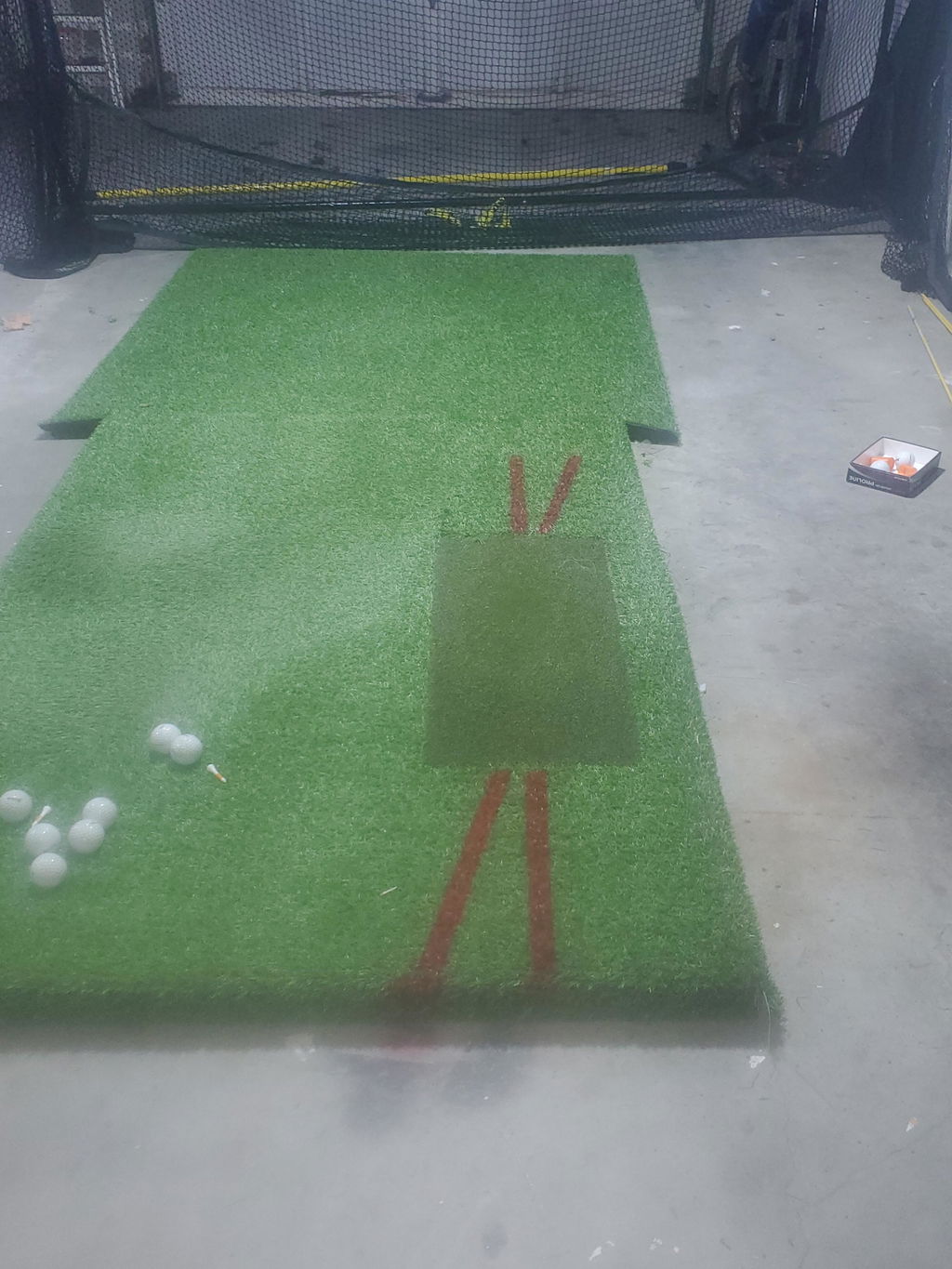
Flooring in your golf simulator room impacts safety, comfort, and realism. Durable, non-slip flooring installed beneath the hitting area helps prevent accidental slips and withstands repeated shots. Coordinate flooring size with overall room and hitting mat dimensions—mats typically range from 3x5 feet to larger sizes like 4x6 feet depending on your space. High-quality turf on the mat provides realistic turf feel and shot feedback essential for immersive play. Proper coordination of flooring and hitting mat size enhances the overall golf simulator enjoyment and long-term maintenance.
Optimizing Your Golf Simulator Room Layout for Safety and Comfort
A well-planned golf simulator room layout maximizes every square foot. Position the hitting mat so the golfer has clear lateral swing clearance on both sides, with the enclosure and screen directly ahead. Place safety padding or netting on side walls in compact rooms to protect against errant shots. If space allows, include a seating area behind or to the side for spectators. Keep cables, launch monitors, and accessories tucked away from the swing zone. Good lighting, dimmable LED fixtures positioned to avoid glare on the screen and proper ventilation round out a truly comfortable golf simulator room that you'll enjoy for years.
Lighting and Ventilation Best Practices for Golf Simulator Rooms
Balanced lighting is key to clear visibility without glare or distracting shadows on the impact screen. LED lighting with dimmable features works well to maintain consistent illumination suitable for different times of day. Avoid placing lights directly behind the projector or near the screen where reflections can occur. Proper ventilation keeps the room comfortable during extended sessions, preventing heat buildup and maintaining air quality. Consider soundproofing options if your simulator space shares walls with noise-sensitive areas. Good lighting and ventilation promote a more enjoyable indoor golf simulator experience.
Dealing with Special Room Shapes and Space Constraints
Irregular or oddly shaped rooms pose unique challenges for golf simulator installations. Creative layout solutions include angled enclosures, modular components, or installing custom impact screens to fit unusual wall dimensions. Portable or modular golf simulator setups offer flexibility for multi-use or small spaces and can be disassembled or adjusted as needed. Regardless of shape, prioritize safety with adequate swing freedom and buffer zones. Consulting with golf simulator professionals can provide custom golf simulator designs matching your room’s unique features without compromising realism or enjoyment.
DIY Golf Simulator Setup Tips: Measuring and Maximizing Your Space
For DIY enthusiasts, precise measurements are vital before building your golf simulator setup. Always prioritize clearance for the longest club swing and confirm ceiling height to ensure safe swings. Affordable customization options include adjustable enclosures, downsized screens, and compact launch monitors to optimize smaller spaces like garages. Test swings in the intended space before purchasing equipment to identify potential issues. Prior planning and accurate measuring help you maximize your golf simulator space and enjoy the benefits of a tailored DIY golf simulator project.
Commercial vs. Residential Simulator Room Requirements
Commercial golf simulator spaces typically require larger rooms with higher ceilings, often exceeding 10 feet high, to accommodate multi-bay setups and multiple players. These venues prioritize spaciousness for realistic gameplay and enhanced comfort. In contrast, residential simulator rooms focus on space optimization and blending the design into home décor. Ceiling heights in residences may be around 9 feet with rooms sized to fit practical home environments. Understanding these differences helps determine your simulator requirements whether you’re planning a golf simulator business or a personal home setup.

Ideal Golf Simulator Room Sizes From Minimum to Optimal
Typical minimum room dimensions start around 10 feet wide, 12 to 15 feet long, and 9 feet high for a functional but compact golf simulator space. Comfortable rooms expand to 12–15 feet in width, 15–18 feet in length, and 10 feet or higher ceiling heights to allow full unrestricted swings and larger screens. Ideal spaces provide generous buffer zones, accommodating enclosures, projectors, launch monitors, and seating comfortably. These dimensions enhance safety, realism, and overall golf simulator enjoyment, providing a memorable indoor golf experience. Taking accurate measurements and planning carefully before investing ensures your golf simulator setup matches your space and needs.
Frequently Asked Questions About Golf Simulator Rooms
How big should a golf simulator room be? Aim for at least 10 ft × 15 ft with a 9-foot ceiling. Larger rooms offer more flexibility, comfort, and equipment options.
Can I fit a golf simulator in my garage? Many standard two-car garages work well. Measure your garage carefully and check ceiling height before purchasing equipment.
What ceiling height do I need for a driver swing? A minimum of 9 feet is required, but 10 feet is strongly preferred for a full unrestricted driver swing.
Do I need a special floor for a golf simulator? Non-slip, durable flooring under a quality hitting mat (typically 3×5 to 4×6 feet) provides the best combination of safety and realistic turf feel.
Ready to build your perfect golf simulator room?
Browse our full selection of launch monitors, impact screens, enclosures, and projectors and reach out to our team for personalized setup advice tailored to your space.